
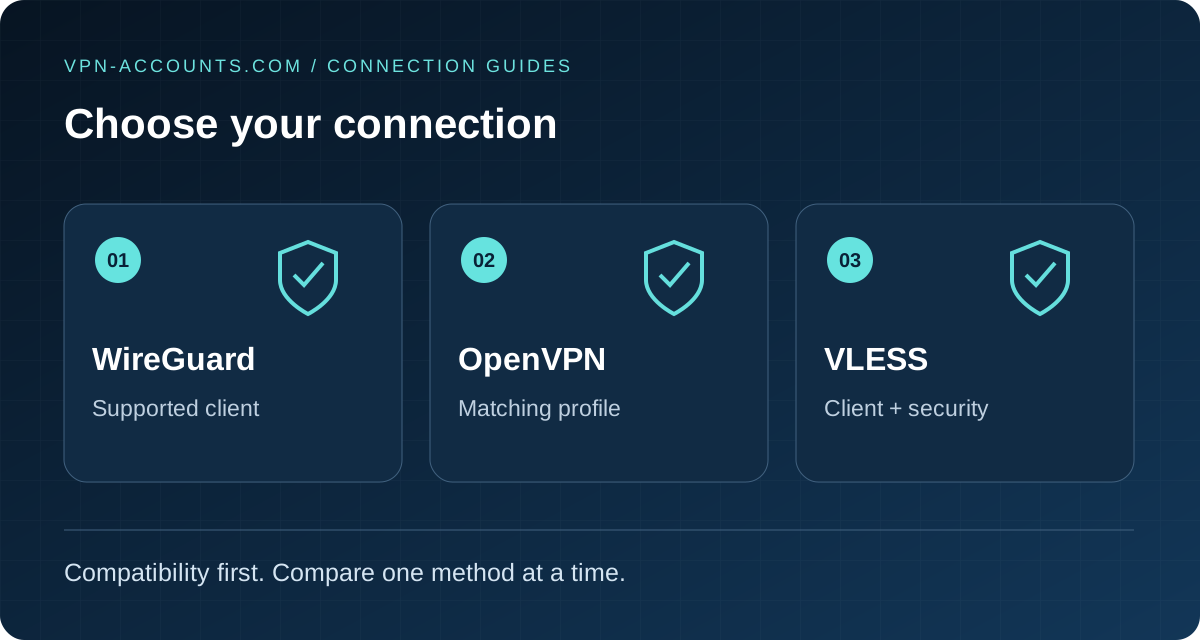
Quick answer: choose the method your device and network support
Start with WireGuard where your client supports it. Choose OpenVPN when your device needs an .ovpn profile or you want to compare supported UDP and TCP options. Consider VLESS when you have a compatible client and a provider-supplied configuration for a supported endpoint. VLESS is a different connection method; it is not an OpenVPN file format or the same feature as desktop Stealth.
There is no universal winner. A working, correctly configured method on your network matters more than a protocol ranking. This is a compatibility and setup guide, not a speed benchmark.
On this page: Comparison · Choose by situation · Security and privacy · Switching checklist · Sources
What is the difference?
Think of three separate decisions: the service gives you access to a server; the client is the application you install; the protocol and configuration determine how that client connects. Installing a client alone does not provide a subscription or a working server profile.
| Method | Use it when… |
|---|---|
| WireGuard | Your supported app offers it, or you have a compatible client and a WireGuard configuration. A practical starting point. |
| OpenVPN | Your client or device requires an OpenVPN profile, or you want to compare provider-supported UDP and TCP options. |
| VLESS | You have a compatible client and a complete, supported VLESS configuration, including the required transport and security settings. |
WireGuard: a practical starting point
WireGuard is an encrypted network tunnel that uses UDP. You can select it inside a supported provider app or import a provider configuration into a compatible WireGuard client. Its key-based setup differs from typing an OpenVPN username and password into a profile.
It is a sensible first comparison for ordinary browsing on a supported device. If the local network interferes with its UDP traffic, trying another supported connection method can help identify a network-specific problem. WireGuard itself does not offer an OpenVPN-style TCP selector. WireGuard protocol documentation.
OpenVPN: profile compatibility and transport choice
OpenVPN is useful when an existing app, router or other device specifically supports OpenVPN profiles. A provider may offer UDP and TCP configurations; the client must use the matching server settings. Changing the extension of another configuration to .ovpn does not convert it.
Compare UDP first where appropriate, then a provider-supported TCP option if the initial route fails. TCP availability is a troubleshooting option, not proof that it will pass every firewall. Port 443 alone does not make traffic indistinguishable from ordinary web browsing. OpenVPN reference manual.
VLESS: check the whole configuration
VLESS is used in the Xray ecosystem. A working setup needs a compatible client, the correct server and matching configuration fields. Its transport and security settings matter as much as the name VLESS.
Current Project X documentation distinguishes outer security such as TLS/REALITY from its VLESS Encryption option. A provider advertising VLESS does not establish which of these is enabled or supported. Import the supplied configuration intact; do not disable security or assume a transport seen in another tutorial is available here. Project X VLESS configuration.
Which should you choose for your situation?
- You want the simplest everyday connection: use the recommended client for your device and start with WireGuard where available. See the device setup guides.
- You already use OpenVPN Connect: obtain a current profile and the required account details. Read the OpenVPN account and configuration guide.
- You want to use the standalone WireGuard app: download the correct account configuration, then follow how to import a WireGuard file.
- You have a router: check its exact model, firmware and VPN client support. A router’s VPN server feature does not prove it can import your provider’s profile.
- One network fails while another works: keep the server location consistent and compare the available methods one at a time. See VPN connected but no internet if the app appears connected.
- You need VLESS manual access: confirm client compatibility and endpoint availability using the VLESS buying guide. Do not assume every ordinary VPN location also offers VLESS.
VPN-Accounts.com offers account-specific OpenVPN, WireGuard and VLESS configuration through the customer dashboard. Availability varies by method, client and endpoint. Stealth is a separate option in supported desktop VPNClient applications; our obfuscation guide explains that distinction.
Which is safest, fastest or least detectable?
Those are different questions. Encryption protects the connection as configured, while traffic routing, DNS handling, software updates and the operator’s practices affect the wider result. A protocol name does not establish a provider’s logging policy, an independent audit or anonymity.
For speed, test the same nearby location, device and network at similar times. Record browsing responsiveness as well as throughput. Server load, network quality and the route can outweigh a protocol difference. We have not run a controlled three-way speed comparison for this article.
For restricted networks, there is no guaranteed undetectable method. Client support, endpoint availability and filtering can change. Follow applicable network rules and local requirements; switching methods does not change account eligibility or the law.
Manual clients also differ in traffic-blocking behaviour. Check whether the selected client blocks traffic when the tunnel fails, whether all intended apps use it, and how DNS is handled. Do not assume settings in the standard provider app transfer to a separate client.
A useful switching checklist
- Record the failing method, network, server and exact symptom.
- Confirm the account is active and use a current configuration for the intended method.
- Disconnect the original tunnel before testing the replacement. Avoid two competing VPN clients.
- Import the matching profile or use the supported app selector. Keep private keys and account details private.
- Test several ordinary HTTPS pages and the destination you actually need. Check the public IP where a full tunnel is intended.
- Compare the result on a second trusted network before attributing the failure to a protocol.
If the replacement works, keep the comparison details. If it fails too, use the general troubleshooting guide rather than repeatedly changing unrelated settings.
Sources and review
Reviewed October 19, 2026. Technical distinctions were checked against WireGuard’s protocol documentation, the OpenVPN 2.6 manual and Project X’s VLESS documentation. These describe the technologies; they do not certify every provider configuration or device combination.
Useful answers
Frequently asked questions
Is VLESS the same as WireGuard?
No. They use different clients and configurations. A WireGuard file cannot be imported as VLESS by renaming it.
Should I choose OpenVPN TCP or UDP?
Use a provider-supported option matching the server. Comparing TCP with UDP can help troubleshoot one network, but neither guarantees access everywhere.
Does manual setup include the app kill switch?
Not automatically. Traffic blocking, DNS and reconnect behaviour depend on the manual client and profile. Check those controls in the client you actually use.