
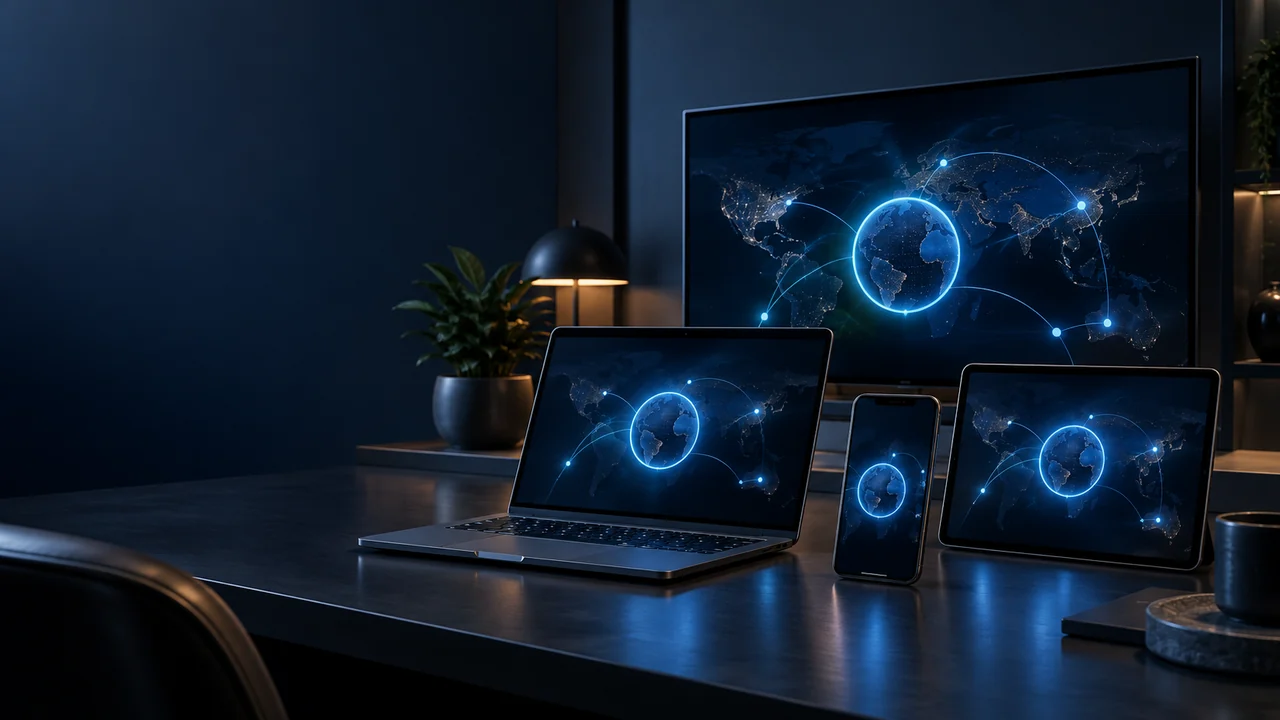
Yes—one VPN-Accounts.com account supports up to 10 simultaneous connections on compatible devices. You do not need a separate subscription for each supported device just because one runs Windows and another runs Android or iOS.
The useful question is not how many gadgets you own. It is how many you want connected at the same time, and whether each has a supported setup method.
Count simultaneous connections, not download buttons
Downloading an app and establishing an active VPN connection are different things. The published allowance concerns simultaneous connections, not the number of app icons on your home screen.
For example, two laptops, two phones, a tablet and a supported TV device would represent six connections when each is using one active VPN tunnel. That is within the account’s ten-connection allowance. This is an illustration of the limit, not a promise that every model has the same software support.
Make a short list of the devices you actually use together. It is more useful than choosing a plan based on a device count you will never need.
Check the setup for each device
VPN-Accounts.com provides setup paths for Windows, macOS, iPhone, iPad and Android, plus supported TV devices and manual configuration options. Available clients, protocols and features differ between platforms.
Do not assume that a Windows setting exists on an iPhone, or that an Android phone APK is the right download for a television. Follow the relevant device guide. Linux users should check the published client limitations or ask about a suitable manual setup rather than assuming every distribution is supported by the beta app.
For the television on your list, use our Android TV and Fire TV VPN buying guide to check the model and installation path before choosing a plan.
Connecting your laptop does not automatically protect your phone
Each separately connected device needs its own suitable VPN setup. Signing in on a laptop does not establish a VPN tunnel for every other device sharing the Wi-Fi.
A router-level setup is a different arrangement. If that is your goal, confirm the router model, firmware and supported client configuration with Support before buying. A ten-connection account should not be read as a blanket claim of router compatibility or protection for every household appliance.
How much does one account cost?
The monthly subscription costs $7 today, then $7/month until canceled. That is the account price, not $7 per device. Longer subscriptions are $60 billed yearly or $105 billed every 24 months, renewing at the selected interval unless canceled.
For prepaid billing, crypto checkout offers the same periods without automatic renewal. Choose the duration based on how long you need the service, not on a belief that a longer plan adds more connection slots. All three periods support up to 10 simultaneous connections.
Before you connect everything
- Install from the official links in the setup guides.
- Test one device first, then add the others.
- Confirm the VPN is connected on each device that needs it.
- Review the available disconnect protection on each platform instead of assuming it is identical.
- Keep account details private. A device allowance is not permission to publish credentials or resell access.
If one device has trouble connecting, you may need a different client setting or supported connection method—not another subscription. Note the device, network and error before contacting Support.
If your compatible devices fit within ten simultaneous connections, start with one account. Choose monthly billing or prepaid crypto and use the existing setup guides to connect the devices you need. The 30-day money-back guarantee is subject to the published terms.